Digitize CP surveys without losing the field evidence
The readings sit in a field app. The exception photograph is on a phone. The engineering decision arrives by email. A work order is created later, with no durable link to the survey that triggered it.
Latch Workflow keeps the cathodic protection survey record, coordinates, source files, review, approved downstream action, and returned result on one traceable ticket.
Fixed synthetic data · Read-only interface · No sign-in required · View walkthrough outline
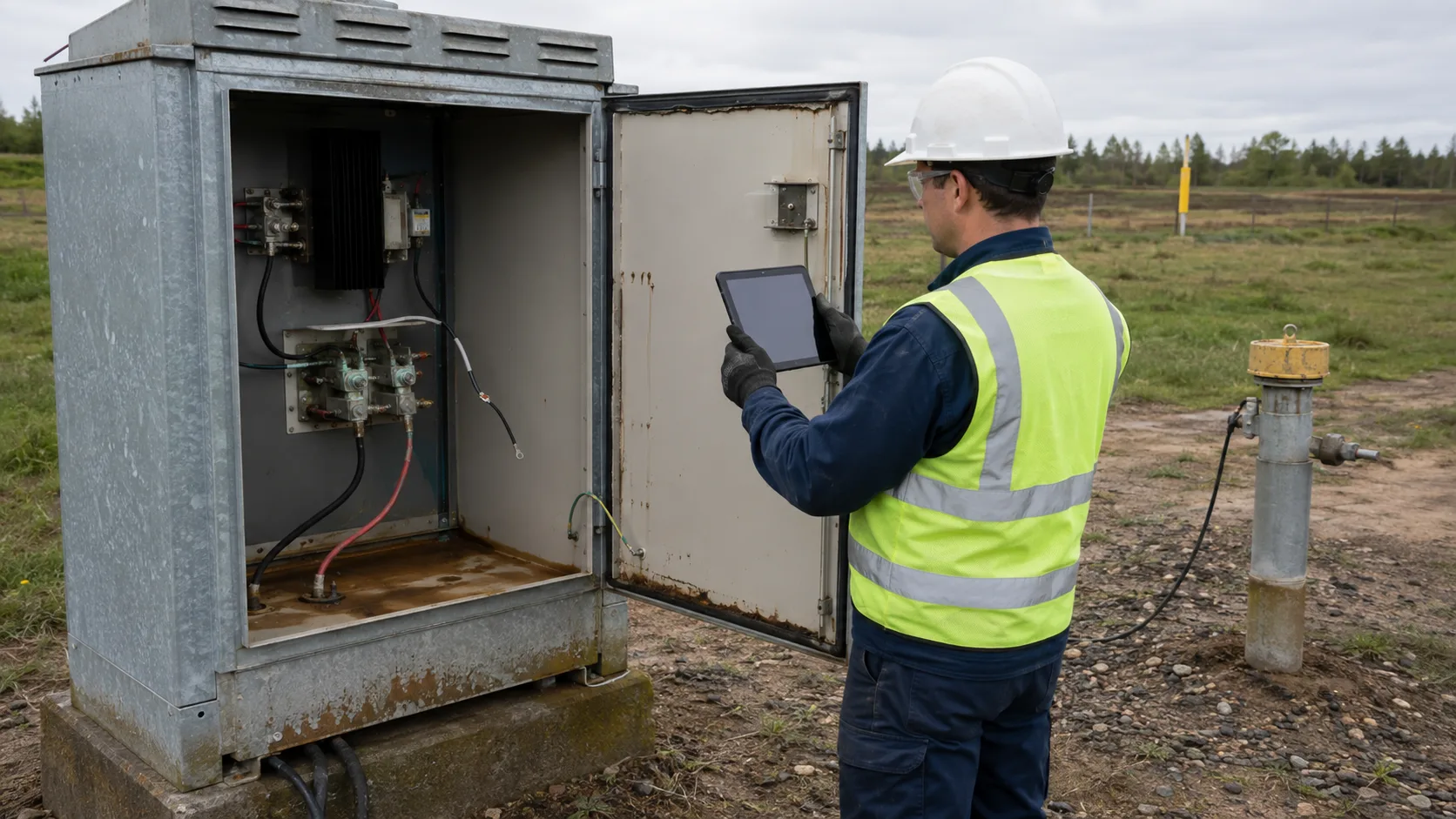
Follow a CP exception from reading to report
Open the real Latch interface against a frozen synthetic story. Inspect the TS-14 exception with its readings and coordinates, compare the accepted TS-09 case, review the capture integration, and trace approval outcomes into the report.
The replay is read-only. It does not contain customer data, call a live integrity system, or prove current production state.
Open the CP survey walkthrough →Survey evidence under review
- On
- -912 mV
- Instant-off
- -784 mV
- Rectifier
- 18.6 V / 7.2 A
- Reference
- Cu/CuSO4 · RE-4421
- Latitude
- 31.520370
- Longitude
- 74.358749
- Accuracy
- 4.8 m
- Source
- Field-device import
Automatic browser-device coordinate pickup is planned. The current demo stores coordinates imported from the field device; it does not claim that the browser captured them automatically.
Keep the reading and its provenance together
A potential value without the test point, reference electrode, time, location, and source is difficult to review later. Configure the fields your procedure requires and keep the source export beside them.
Show the normal condition as well as the failure case
A useful survey history should not contain only anomalies. Accepted observations establish the comparison record; exceptions show what changed and what action followed.
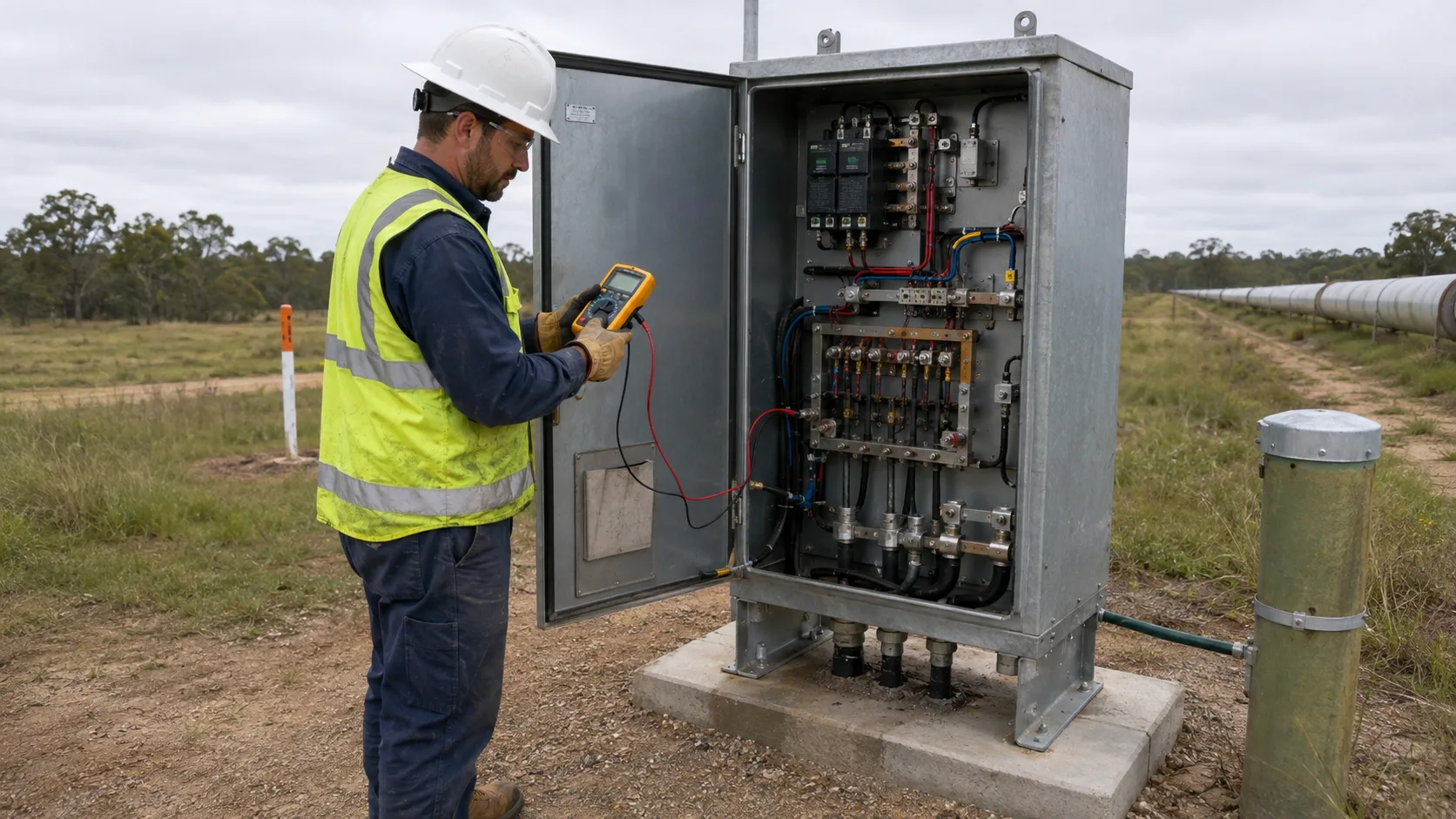
Complete evidence accepted after review
The record includes the readings, reference-electrode serial, field-source provenance, coordinates, and normal-condition photograph before the downstream result is recorded.
The evidence stays with the proposed action
The technician documents the physical condition and survey export. A separate reviewer checks the stored payload before an integrity work order can be created.
The field scenes are AI-generated illustrations for a synthetic walkthrough. They are not engineering evidence from an operating pipeline.
Use the survey to start traceable work
The field record is the beginning of the workflow, not the end. Each handoff leaves a reviewable event on the same case.
- 01
Capture or import the field record
Bring in the readings, test-point identity, instrument context, timestamp, coordinates, photos, and source export. The specialist field tool can remain the collection surface.
- 02
Keep exceptions in an operating queue
A survey that needs attention becomes owned work with its evidence attached. Incomplete records can be returned without losing the original submission.
- 03
Review the exact downstream request
Maker-checker keeps the person who prepared a sensitive plugin action from approving it. The reviewer sees the stored CP payload before deciding.
- 04
Write the result back to the record
The upstream work-order reference, response, failure, and timing return to the survey ticket. Reports stay linked to the evidence underneath them.
The survey must lead to owned action and evidence
Use Latch when a CP survey produces exceptions, reviewer decisions, work in another system, and an audit question that must be answered without rebuilding the timeline from several tools.
Offline measurement, Bluetooth capture, and GIS remain specialist jobs
Latch is not a multimeter, an offline-first CP survey application, or a native GIS. Keep the purpose-built collection tool and connect its output to the evidence, review, and downstream action record.
Use the workflow with the procedure and field tool your team already trusts
These references explain the measurement context and examples of field-capture capabilities. They are not endorsements and do not replace the applicable operator procedure or standard.
Overview of pipe-to-soil potential survey types and measurement purpose.
Cathodic protection, monitoring techniques, and integrity-management context.
An example of specialist CP collection, location, instrument, and export capabilities.
An example of general offline field capture and signed inspection records.
Questions about CP readings, GPS evidence, and audit trails
The important boundary is between field measurement, reviewable evidence, and controlled downstream action.
Does Latch replace a cathodic protection field survey app?
Not usually. A specialist mobile tool can continue to collect offline readings, Bluetooth multimeter data, and field coordinates. Latch receives the survey record, keeps exceptions and evidence together, controls consequential handoffs, and records what happened next.
Can the record hold impressed-current and sacrificial-anode surveys?
Yes. The survey type, CP system, test point, readings, and required evidence are configurable fields. The workflow can represent impressed-current rectifier inspections and galvanic or sacrificial-anode checks without treating them as the same measurement procedure.
Can Latch capture GPS coordinates automatically?
The walkthrough currently proves that latitude, longitude, accuracy, timestamp, and location provenance can be stored with a survey record. Automatic browser-device GPS pickup is a planned feature preview, not a currently released capability. Today those values can arrive through an imported field-device record or be entered as configured fields.
Can teams keep CSV or KML survey files?
Yes. Source files can stay attached to the ticket alongside the structured readings and photos. A plugin can also pass approved metadata or work requests to a GIS, integrity system, CMMS, or another internal API. Latch is not presented as a native GIS.
Does the software decide whether a CP reading is compliant?
No. Latch can store measurements, configured operator review states, evidence, and decisions. Qualified personnel must interpret the survey against the asset, procedure, jurisdiction, and applicable standard. The synthetic demo does not make a compliance determination.
What is preserved in the audit trail?
The ticket keeps the survey values, attachments, notes, user and time history, approval request, reviewer decision, plugin execution, and returned result. Teams still need to apply their own retention, backup, legal-hold, and attachment-storage controls.
Does the demo use live pipeline data?
No. The walkthrough is a read-only replay built from fixed synthetic records and AI-generated illustrative field images. It requires no sign-in and cannot change a live workspace or external integrity system.
Test the path from field reading to integrity action
Bring the survey fields, evidence requirements, review points, and the system that should receive an approved action. The workflow review should produce a clear fit or no-fit answer.