Product walkthrough
One ticket from intake to proof
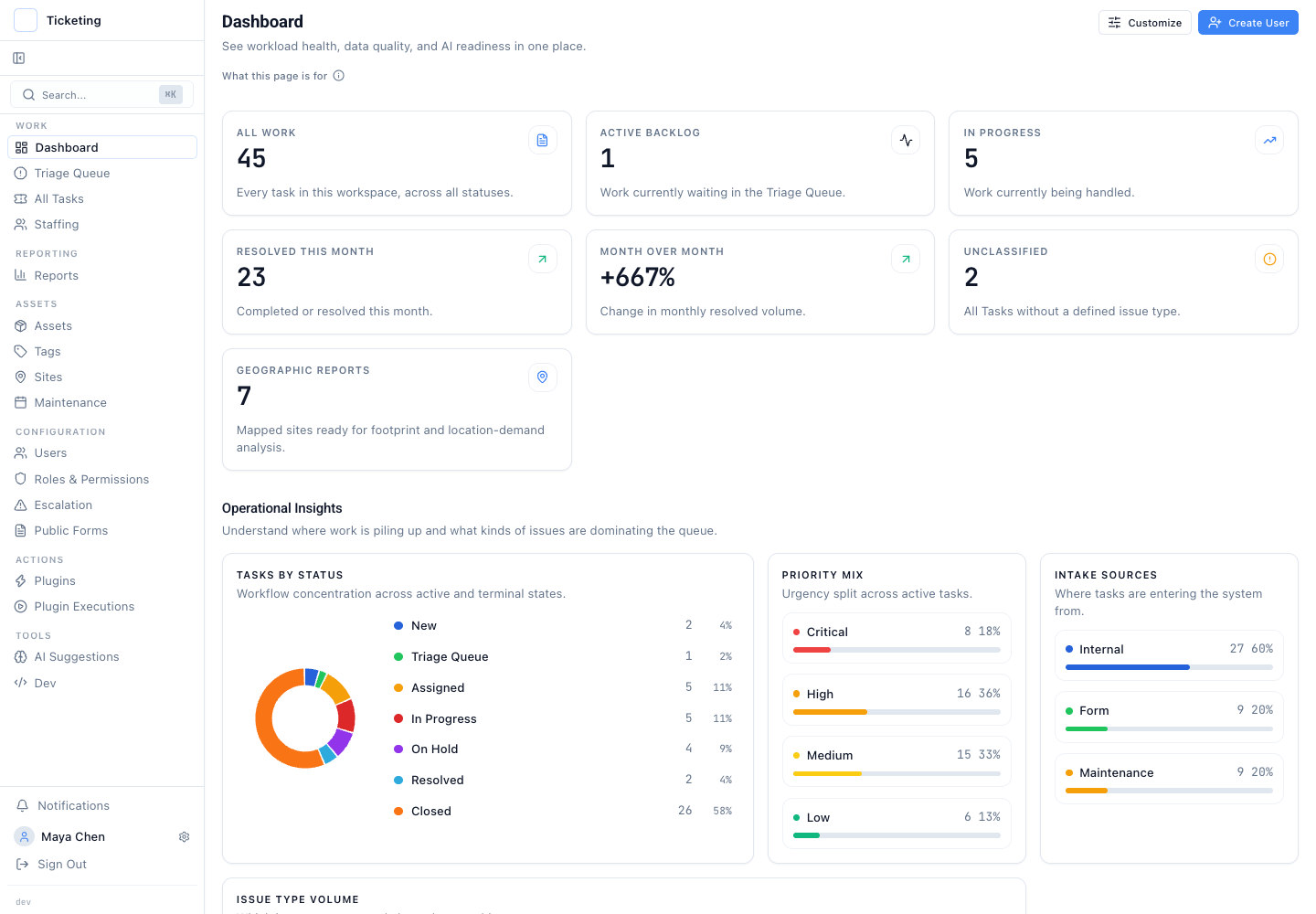
Explore the dashboard, triage queue, ticket record, assets, plugins, two-person review, and execution evidence using the normal Latch interface.
Built for operations, regulated teams, and product evaluators.
What you will follow
One operating story, step by step
- 1
Start with the operational picture
See workload, queue state, and suggestion readiness before opening an individual ticket.
- 2
Open the unified triage queue
Incoming work from each channel is routed through the same queue and decision surface.
- 3
Connect work to the affected asset
Assets and sites keep operational context and service history attached to the ticket.
- 4
Inspect plugin execution history
Requests, responses, failures, actors, and timestamps remain inspectable after the action completes.