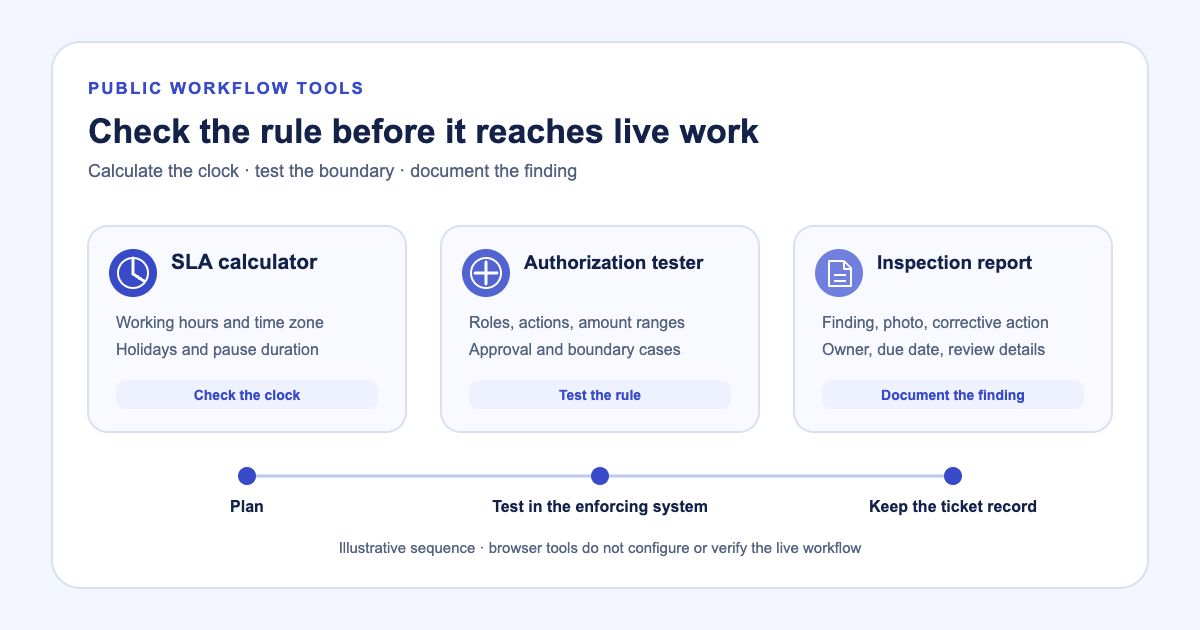
A workflow rule often looks correct until a late Friday ticket crosses a deadline, an amount sits on an approval boundary, or an inspection finding has no owner. Teams need a way to test the assumptions before changing the rules that govern live work.
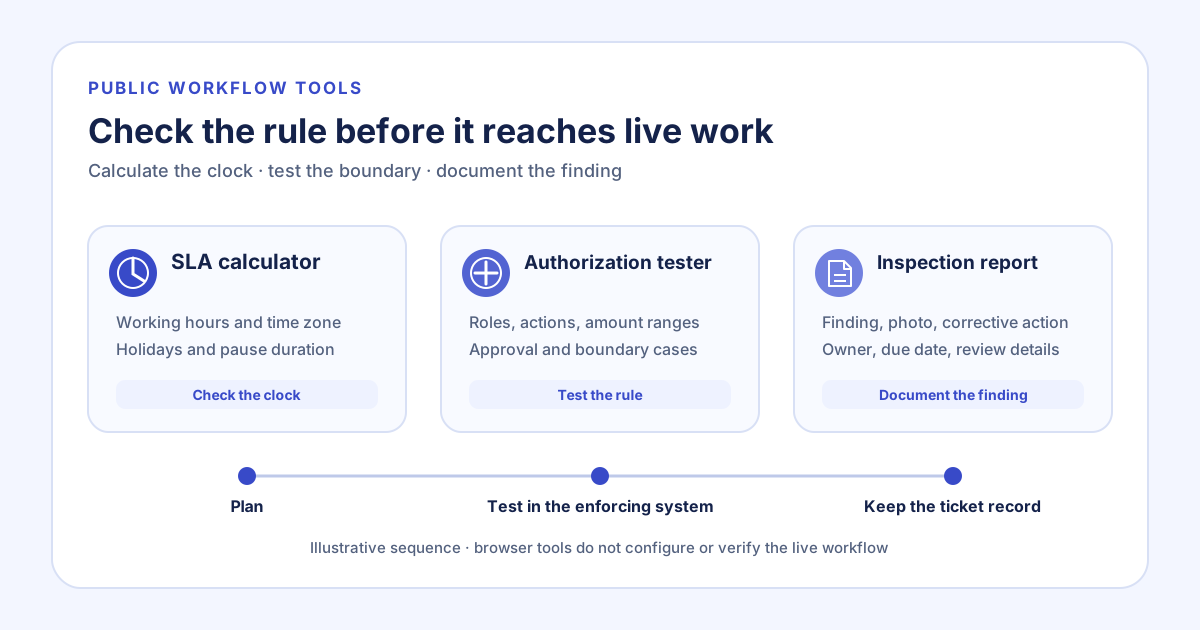
Latch provides focused browser tools for those checks: an SLA deadline calculator, an authorization matrix tester, and an inspection report builder. They make one part of a workflow easier to reason about. They do not update a workspace or decide whether its operating policy is correct.
Check the clock before you change the SLA
Suppose a site fault arrives near the end of the service window on Friday. A Monday holiday and an approved pause affect the deadline, so adding the target minutes to the received timestamp gives the wrong answer. The SLA deadline calculator walks the entered time zone, working days, hours, holiday dates, target, and pause duration. It shows the service windows counted and the time skipped.
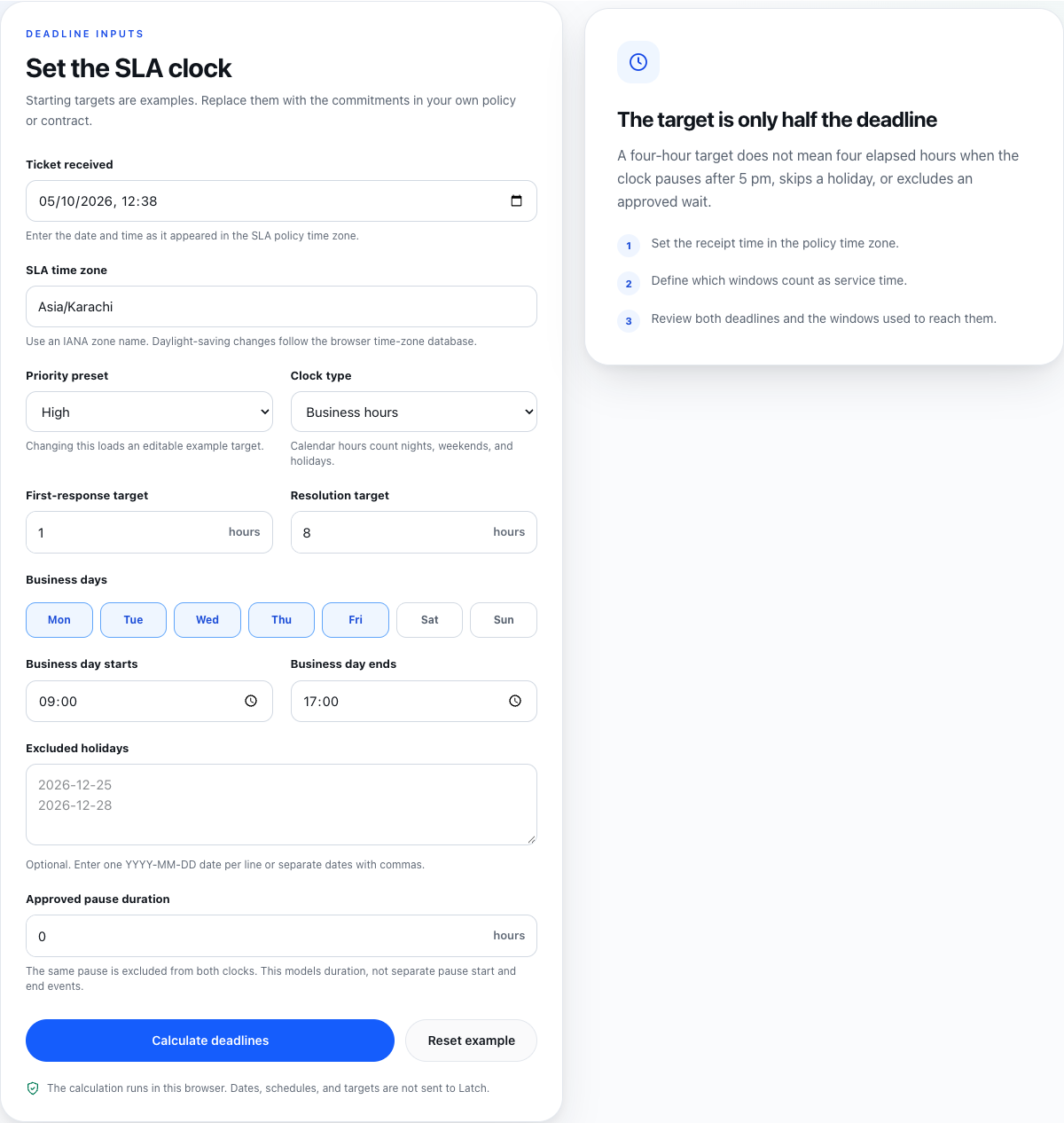
Public browser-tool capture from 5 October 2026. The calculator runs locally; its output depends on the policy and dates entered.
Use the result to check the arithmetic against the stated policy. The calculator does not decide which target applies, whether a pause qualifies, or whether an existing ticket deadline can change.
Test the approval boundary with a specific amount
The same repair may need a second decision if its cost exceeds the team’s authority limit. In the authorization matrix tester, enter roles, actions, inclusive amount ranges, and any required reviewer. For example, a rule ending at 100.00 leaves the next valid two-decimal amount at 100.01, in the same currency. The matrix shows allow, deny, or approval-required outcomes, and reports gaps or overlaps that need review.
The tester models the policy entered into that tool. It does not inspect the application or prove that production enforcement matches the matrix. Its generated boundary and reviewer cases are expected results; run equivalent cases against the application that will enforce the rule. The model also has no role inheritance or external conditions.
Keep the inspection finding beside its next step
After the technician records the site fault, the inspection report builder can place a pass/fail result, observation, photo, corrective action, owner, and due date in a PDF or JSON export. A reviewer can add a name, date, and note. That typed detail is not a verified signature, and the downloaded file is an editable snapshot. It does not create a ticket or maintain the ongoing change history for the work.
For a missing seal, the report makes the failed check and the repair owner visible together. When the team needs the location as submitted evidence, the inspection coordinate guide explains how latitude, longitude, and accuracy fit in a record. The geographic SLA report then follows closed-ticket outcomes by site without treating the inspection snapshot as proof of resolution.
Move from the test to the operating record
Take one workflow through each relevant check: define the trigger, identify the deadline policy, name the role boundary, and state what evidence closes the work. Save exported test cases or the inspection report when a handoff needs a copy. Then verify the rule in the system that will enforce it and keep the resulting work on its ticket.
These tools are useful before configuration and during policy review. The operating record still needs the real assignment, decision, approval, and outcome. A calculator can expose a bad assumption early; the ticket shows whether the team followed the final rule.