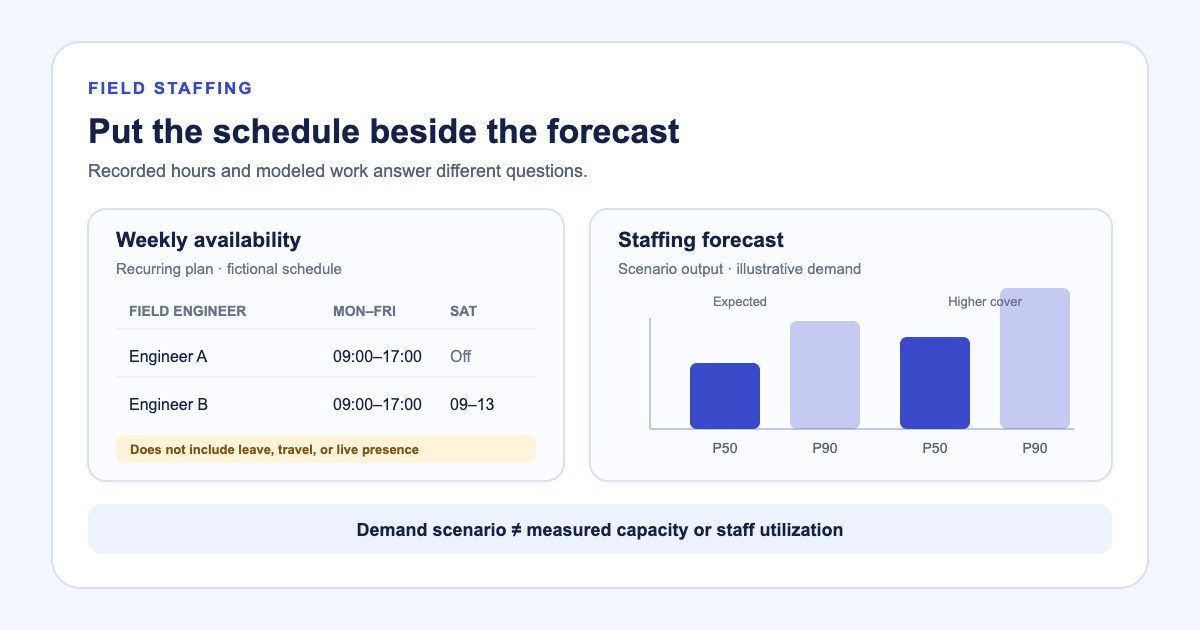
A schedule that totals forty hours does not tell a service lead how much field capacity is available next week. It records a recurring plan. Leave, travel, site coverage, and time on the job still affect who can take the next ticket.
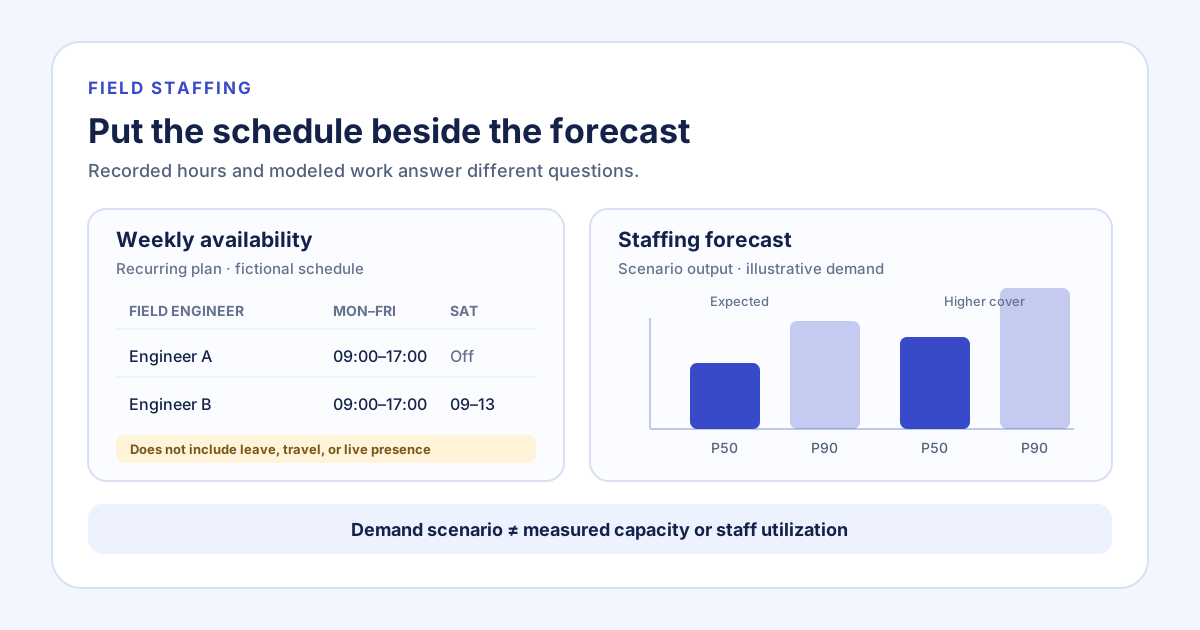
Latch keeps the weekly availability roster beside a separate staffing forecast. A planner can review the hours assigned to active Field Engineers, then inspect expected and higher-cover task scenarios across a 10-workday or 13-week horizon. The two views answer related questions, but the forecast does not turn the schedule into a capacity measurement.
Keep recurring hours in their proper place
The Availability view lists a field engineer’s recurring days and hours. Where no individual schedule has been entered, the roster can show the default schedule. An administrator can update the weekly pattern. That gives the team one place to review the hours it has recorded.
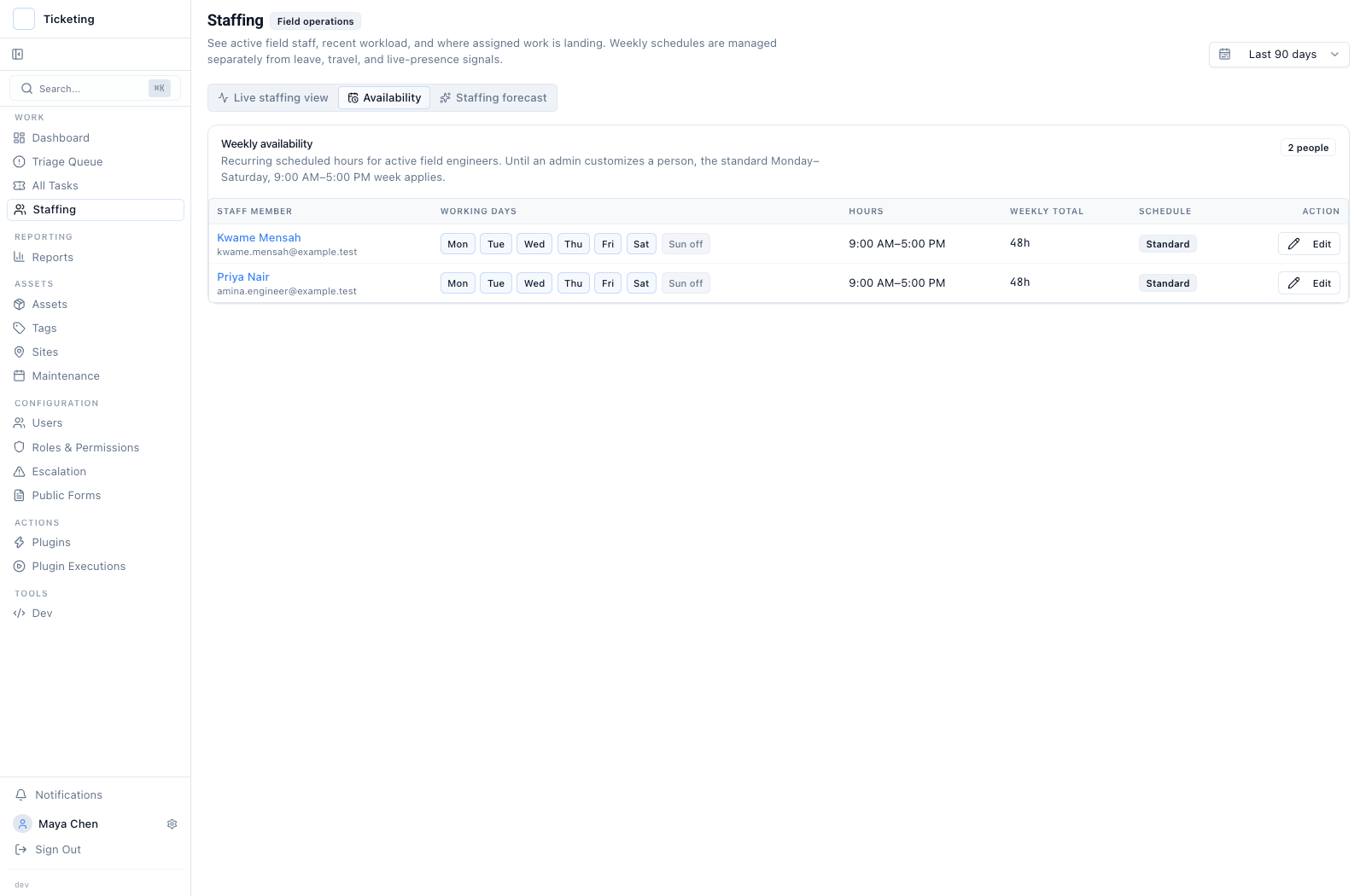
Historical product capture from 17 September 2026. The schedule shows recurring hours; it does not record leave, travel, or live presence.
For a small field team, this is useful when someone asks why an apparently full roster still has a gap on a particular day. The schedule is a planning input, not proof that each person is at a site or free to take another ticket. It does not represent shift swaps, absences, skills, travel time, or service-area assignments.
Read demand as a scenario, not a utilization score
The forecast uses historical ticket arrivals, the open backlog at the current cutoff, and planned maintenance occurrences. Its first release uses all non-maintenance ticket arrivals because the system does not yet have an approved field-work definition. The P50 line is the expected planning scenario; P90 is a higher-cover scenario built from observed demand variation.
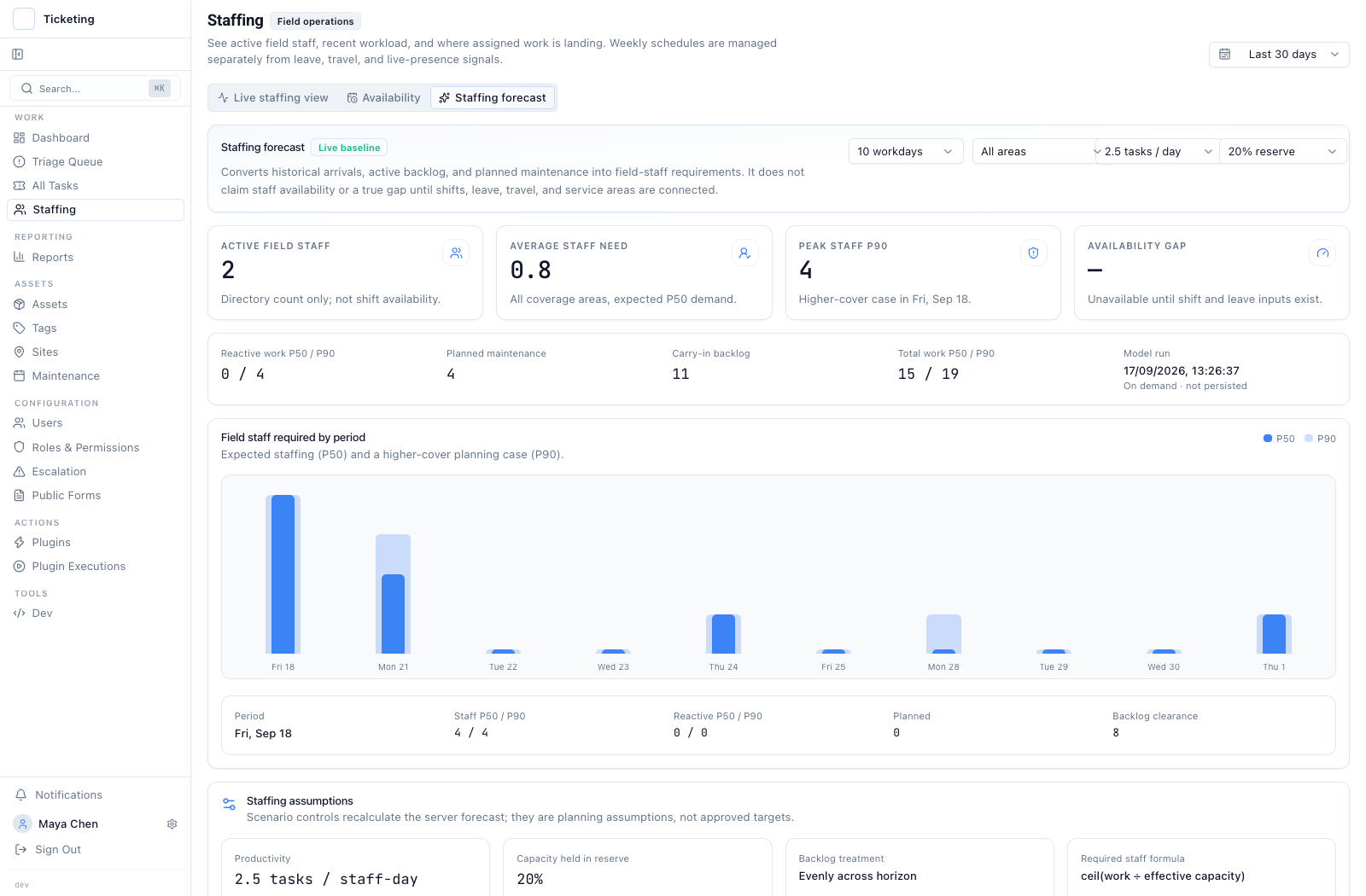
Historical capture from 17 September 2026 with deliberately small synthetic history. The forecast is illustrative and is not real capacity performance.
The planner can change jobs per staff-day and reserve assumptions to see how required headcount changes. Those are scenario controls, not approved targets. The calculation translates forecast work into a staff-count estimate; it does not measure employee output or utilization. Active roster size and recent assignment footprint are live records, but neither is available capacity. Area assignments and availability gaps remain unavailable until the underlying service-area and shift inputs exist.
This distinction also matters when a chart looks precise. P50 and P90 describe modeled task demand under the current inputs. They do not assign a person to a job or recommend a dispatch. Validate the arrivals, backlog, maintenance schedule, and planning assumptions before treating a staffing scenario as a decision.
Start with the question the schedule can answer
Use the recurring-hours view to check what the team has planned. Use the forecast to ask how historical demand, planned work, and carry-in backlog translate under an explicit productivity and reserve scenario. The staff workload profile explains the live ticket history behind an individual roster view. The reporting workspace shows how date windows change other operational counts, while the geographic SLA report helps locate completed service outcomes.
For an operations team, the safe planning rule is to keep the schedule, actual assignments, and modeled requirement visible as separate inputs. The field-service operations path provides the wider context for ownership, escalation, and resolution.