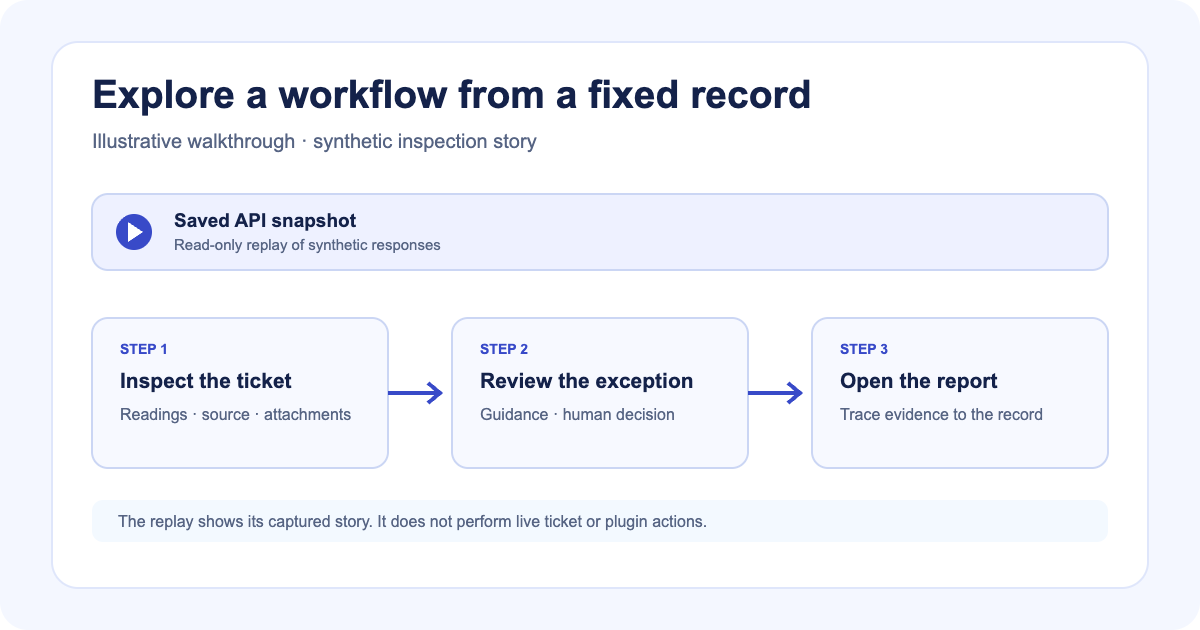
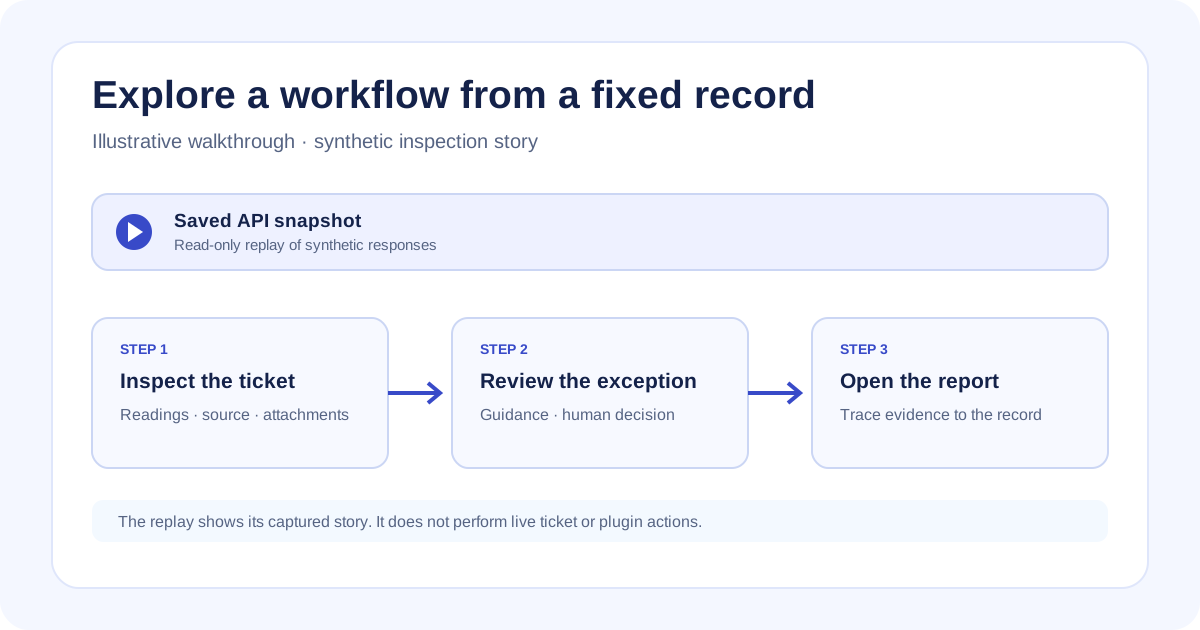
A screenshot can show the state of a ticket. It cannot show what changes when the next step is selected or how the record looks later in the workflow.
Latch product walkthroughs let a reader move through a fixed example in the Classic interface. Each replay uses recorded synthetic responses and stays read-only; it does not perform a live ticket update or plugin action.
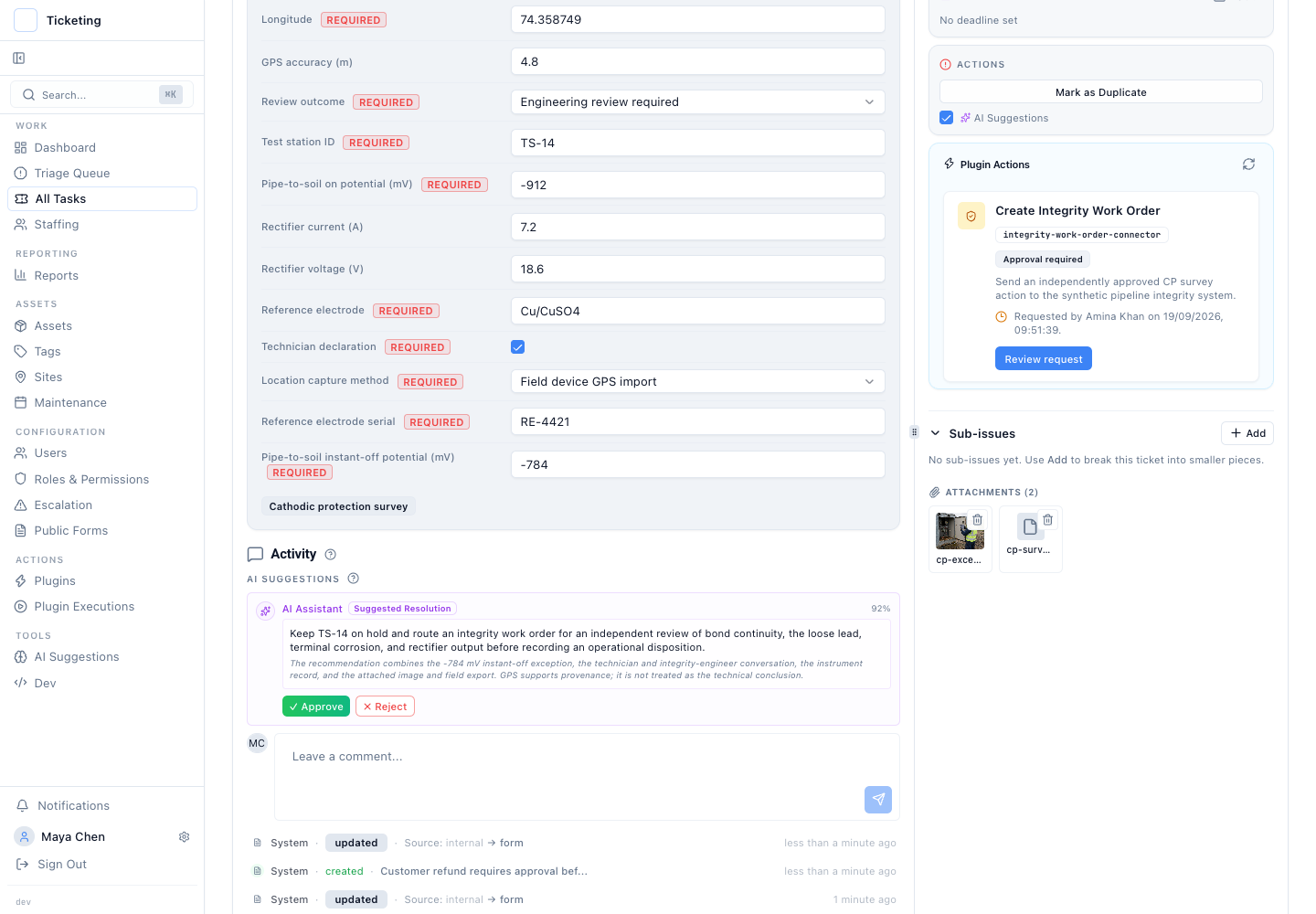
Synthetic fictional survey data; frozen Classic screenshot captured 2026-09-19.
Follow one example through its screens
The cathodic-protection walkthrough follows a fictional TS-14 survey from its nested survey classification and recorded readings to supporting files and review guidance. Another example shows a separate approval and returned work-order reference. The report step connects the synthetic record to its evidence and decision history.
The visitor can select a guide step and inspect the screen it describes. The interface is the normal Classic product surface, while its data comes from a saved snapshot. If a future application change requests a response outside that snapshot, the replay reports a miss instead of inventing a plausible result.
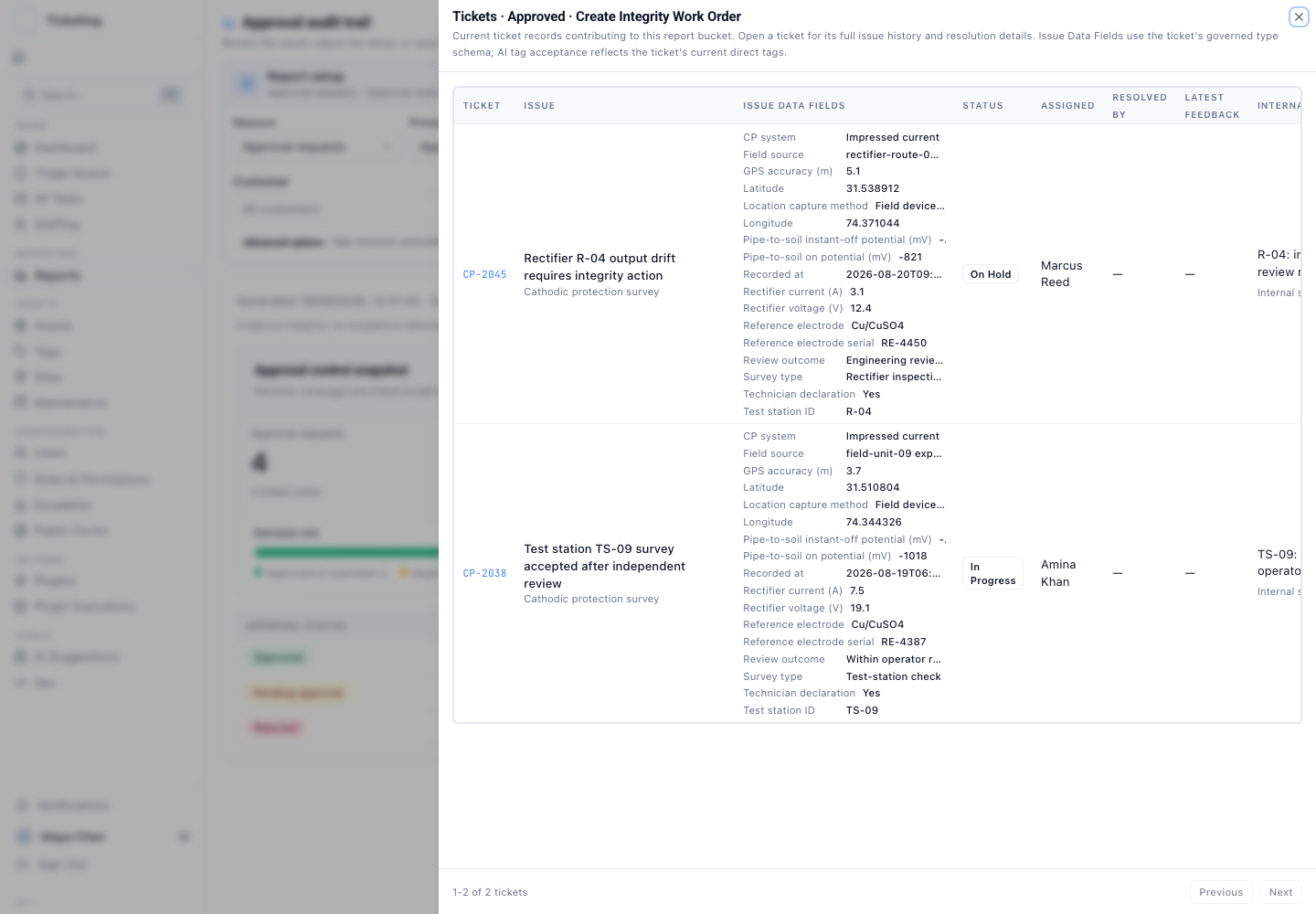
Synthetic fictional survey data; frozen report screenshot captured 2026-09-19.
An evaluator can trace one record through the captured steps: its classification, readings, review decision, attached evidence, and appearance in the final report. That makes the replay useful for checking whether the example’s terminology and screens form a coherent story before a live product discussion. Teams should still map their own inspection policy and field definitions.
That gives an evaluator a way to examine how an example fits together without access to a customer workspace. It also sets a clear limit: a replay shows how the captured frontend rendered the captured story. It does not establish current production state, a live integration, or the validity of the sample readings.
Choose a guide when you need current instructions
An interactive walkthrough is for exploring a story. A user guide is for completing a task in the product with its current labels and permissions. Latch publishes guides for finding a ticket, reviewing its activity, and configuring nested choice fields.
Not every catalog entry has an interactive replay. Field operations and cathodic protection have recorded read-only stories. Platform overview and approval workflow remain screen-based walkthroughs. A gallery of screenshots can still explain a sequence, but it should not be described as an interactive demo.
The field-operations walkthrough follows required field evidence from configuration into a report. The nested-choice article explains how to classify each ticket one level at a time, and GPS inspection fields describe what the location values do and do not establish.
Use the tour to inspect the example’s shape, then follow the guide when the job is to configure or update a real ticket. The replay answers “what does this recorded workflow look like?” The guide answers “where do I go and what do I select?”