Reporting
Browse 13 articles tagged Reporting across approvals, auditability, plugins, and controlled AI operations.
Introducing reporting workspaces and Service delivery
Use seven Latch report destinations to inspect the tickets, date basis, and denominator behind an operational signal.
Read article →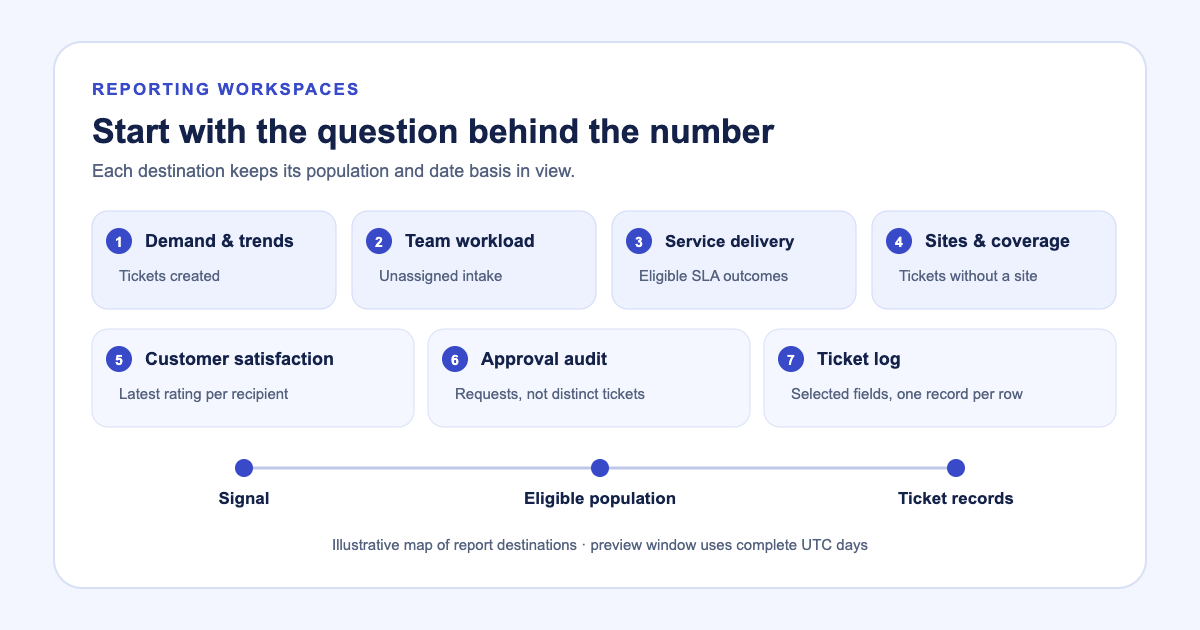
Report on the Fields Your Team Actually Uses
Group reports by tag folders and Issue Data Fields, then show the ticket-log columns that explain each result.
New in Latch: feedback history and follow-up tickets
Follow a response from the satisfaction report to a contact, request day, original ticket, and linked follow-up ticket.
Latch Approvals: Features, Review Screens, and Audit Reports
See Latch approval features with screenshots: two-person gates, saved request review, expiry, separate execution, and approval audit reports.
Introducing staff workload profiles and SLA history
Separate current open tickets from period activity, then inspect the records and SLA outcomes behind a staff profile.
Inspection Audit Trails Should Show the Work, Not Just the Result
See how inspection audit trail software connects forms, photos, maker-checker approval, upstream work orders, and exportable evidence in one case record.
Construction Draw Approvals: From Payment Request to Audit Evidence
See a construction draw move through maker-checker review, payment release, audit evidence, grouped approval reporting, and PDF or Excel export in Latch.
Field Work Is Not Complete Until the Evidence Is Complete
How field service teams define required ticket evidence, enforce complete records at closure, review AI troubleshooting, and report on outcomes.
Build an Operations Dashboard Around the Work You Monitor
Choose the dashboard sections each operator needs, save the layout, and set reporting ranges for SLA and resolution views.
Why SLA Reports Need the Policy That Applied at the Time
Snapshot the SLA policy on each ticket so later reports explain performance against the commitment that actually applied.
How to Build Repeatable Operational Reports in Latch
Use standard reports and the report builder to filter, group, save, and rerun operational analysis without starting from a spreadsheet.
From Field Repairs to Planned Maintenance: Operational Reporting in Latch
Track ATM, cash deposit machine, POS, and printer service work, then report on replenishment and preventive maintenance without rebuilding spreadsheets.
SLA Working Hours: Make the Clock Follow Your Support Schedule
Configure SLA working hours to pause response and resolution clocks outside your support schedule, with time zone and priority targets.
Start with one workflow
Follow a request through triage, review, and a plugin action. See the record that each step leaves behind.